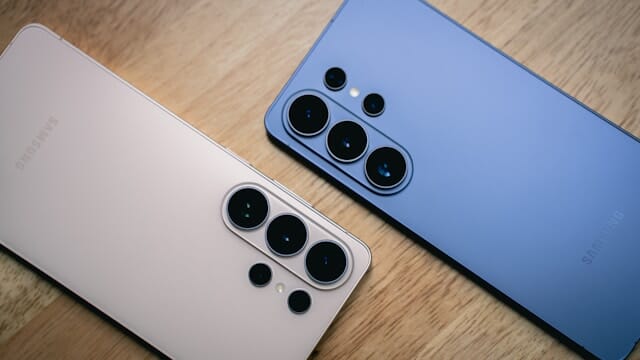
Samsung's One UI 8.5 Beta is expanding rapidly across Galaxy devices, bringing Android 16, powerful AI tools, and a sweeping visual refresh to millions of users. Here is everything you need to know, right now, before the stable release drops.
What Makes One UI 8.5 Different From Previous Updates
This update marks a genuine turning point for Samsung's software strategy. One UI 8.5, based on Android 16, debuted on the Galaxy S26 series and signals a return to the classic x.5 versioning system that Samsung had abandoned years ago in favor of x.1.1 minor updates.
So why does that matter to you? Because a dedicated x.5 release means a fuller, more substantial upgrade, not just a narrow patch for foldable phones. Samsung is treating this as a real software generation for its entire Galaxy lineup.
One UI 8.5 is based on Android 16 QPR2, which adds extra features from Google on top of Samsung's own One UI enhancements, making it a genuinely richer update than a typical minor release.
 Samsung Is Discontinuing Its Messages App in July 2026 - Here's Why
Full List of Compatible Devices Getting the One UI 8.5 Beta
Here is where things get exciting. The beta program started small but has grown quickly, and it keeps expanding.
The beta program launched for the Galaxy S25 series in December 2025, then arrived on the Galaxy Z Fold 7 and Galaxy Z Flip 7 in March 2026. Samsung did not stop there.
The March 2026 wave brought the Galaxy S24 series, Galaxy Z Fold6, Galaxy Z Flip6, Galaxy S25 FE, Galaxy S24 FE, and the Galaxy Tab S11 series into the beta program.
Then Samsung pushed even further. The latest expansion adds the Galaxy S23 series, Galaxy Z Fold5, Galaxy Z Flip5, Galaxy S23 FE, and, for the first time on the A series, the Galaxy A36 5G.
The beta is also now rolling out in South Korea to the Galaxy A55, alongside beta 2 updates for the Galaxy Z Fold6 and Flip6, and beta 3 for the Galaxy Z Fold7 and Flip7. The list of supported devices is clearly still growing.
The Markets Where You Can Access the Beta Right Now
The One UI 8.5 beta program runs in six markets: the US, the UK, Korea, Germany, Poland, and India. Samsung is rolling it out in phases across these regions, with some devices getting access in select markets only.
The Galaxy Z Fold5 and Galaxy Z Flip5 are supported in Korea and the US only, while the Galaxy A36 5G beta is currently limited to India. If you live outside these markets, you will need to wait for the stable release.
The Biggest New Features in One UI 8.5
The Quick Settings panel now supports full customization, letting users resize, rearrange, and freely organize toggles and sliders in ways that were not possible before. That alone is a major quality-of-life improvement that power users have wanted for years.
Samsung also updated app icons for its first-party apps with a subtle 3D effect, and the lock screen now automatically adjusts the clock and date position so they never cover the main subject of your wallpaper. It can also display dynamic weather visuals based on current conditions.
AI and Smart Features That Change How You Use Your Phone
One UI 8.5 Beta 10 introduces AI-driven tools including a Creative Studio suite for generating personalized stickers, wallpapers, and greeting cards with S Pen support, and an AI Call Screening feature that displays detailed caller information and helps users decide whether to answer or block incoming calls.
The update also introduces "Now Nudge," a feature that proactively suggests actions and information based on what is currently on your screen, working similarly to Google's Magic Cue on Pixel devices.
The updated Bixby, now powered by more advanced large language models, delivers better natural language processing, alongside expanded Audio Eraser tools that originally debuted on the Galaxy S26.
Cross-Platform Sharing Gets a Major Upgrade
Samsung is introducing AirDrop support through Quick Share on One UI 8.5, enabling more seamless cross-platform file sharing for Galaxy users on select devices including the Galaxy S25 series, Galaxy S24 series, Galaxy Z Fold7, Galaxy Z Flip7, Galaxy Z Fold6, and Galaxy Z Flip6.
There is a catch though: full AirDrop compatibility is currently exclusive to the Galaxy S26 series, with older models expected to gain the full functionality as the beta stabilizes. So if you own an older flagship, hang tight.
New Security and Privacy Tools Built Into the Update
The update introduces a Failed Authentication Lock that automatically locks the device after multiple failed unlock attempts, along with Theft Protection and an Expanded Identity Check for stronger overall security.
One UI 8.5 also brings improved protection for sensitive information in images you share, and Samsung has renamed its Samsung Internet browser to Samsung Browser while introducing an Ask AI feature in select markets including the US and Korea.
These are not minor patches. These are substantive improvements designed to protect your data in real-world situations.
Performance and Interface Improvements You Will Notice Daily
One UI 8.5 Beta 10 places strong emphasis on optimizing system performance and refining interface animations, resulting in smoother transitions between apps, faster response times, and improved battery efficiency during intensive tasks.
A new floating tab bar with a pill-shaped, frosted design now replaces the traditional plain tab bar at the bottom of apps, and the search bar in many Samsung apps including Settings has moved to the bottom of the screen for easier one-handed use.
Samsung has also improved Photo Assist to allow users to keep generating and editing AI images without saving every version first, and added Partial Screen Recording so users can capture specific areas of the screen rather than the full display.
Latest Beta Updates and Bug Fixes
Samsung released the One UI 8.5 Beta 2 update for the Galaxy S23, Galaxy S23+, and Galaxy S23 Ultra, fixing five issues from the first beta including a delayed or black incoming call screen, proximity sensor bugs during calls, Bluetooth crashes, multi-touch malfunctions, and green line artifacts in 4K HDR recordings.
With Beta 10 now live for the Galaxy S25 series, Samsung has signaled that the stable release is expected in May 2026, making this the final stretch of the beta program for the most advanced devices in the lineup.
How to Install the One UI 8.5 Beta on Your Galaxy Device
Open the Samsung Members app and look for the One UI 8.5 Beta Program banner. Accept the terms and conditions to enroll, then go to Settings, select Software Update, and tap Download and Install. Once the download completes, tap Install Now to apply the update.
Keep in mind that beta builds may contain bugs and broken features, so back up your important data before enrolling for added safety. That is a smart precaution with any pre-release software.
When Will the Stable One UI 8.5 Release Arrive?
Samsung is targeting a stable One UI 8.5 release in early May 2026, with the final beta already confirmed for the Galaxy S25 series as the program winds down toward a public launch.
For devices that just joined the beta, the stable rollout will likely follow within weeks of completing their own beta cycles. Samsung's expanding program suggests the company wants broad, simultaneous coverage across its flagship and mid-range ecosystem when the final version ships.
Read More
![Open Ai logo]() OpenAI is building a smartphone where AI agents replace every app you use
OpenAI is building a smartphone where AI agents replace every app you use![iOS 26.4.2]() iOS 26.4.2 Released: Apple Fixes Bug That Secretly Kept Your Deleted Notifications on Your iPhone
iOS 26.4.2 Released: Apple Fixes Bug That Secretly Kept Your Deleted Notifications on Your iPhone![Whatsapp Logo]() WhatsApp Is Testing a Subscription Plan and Names It WhatsApp Plus: Here Is Everything You Need to Know Right Now
WhatsApp Is Testing a Subscription Plan and Names It WhatsApp Plus: Here Is Everything You Need to Know Right Now![Tim Cook Apple CEO]() John Ternus Takes Over as Apple CEO as Tim Cook Steps Down in September 2026
John Ternus Takes Over as Apple CEO as Tim Cook Steps Down in September 2026
 OpenAI is building a smartphone where AI agents replace every app you use
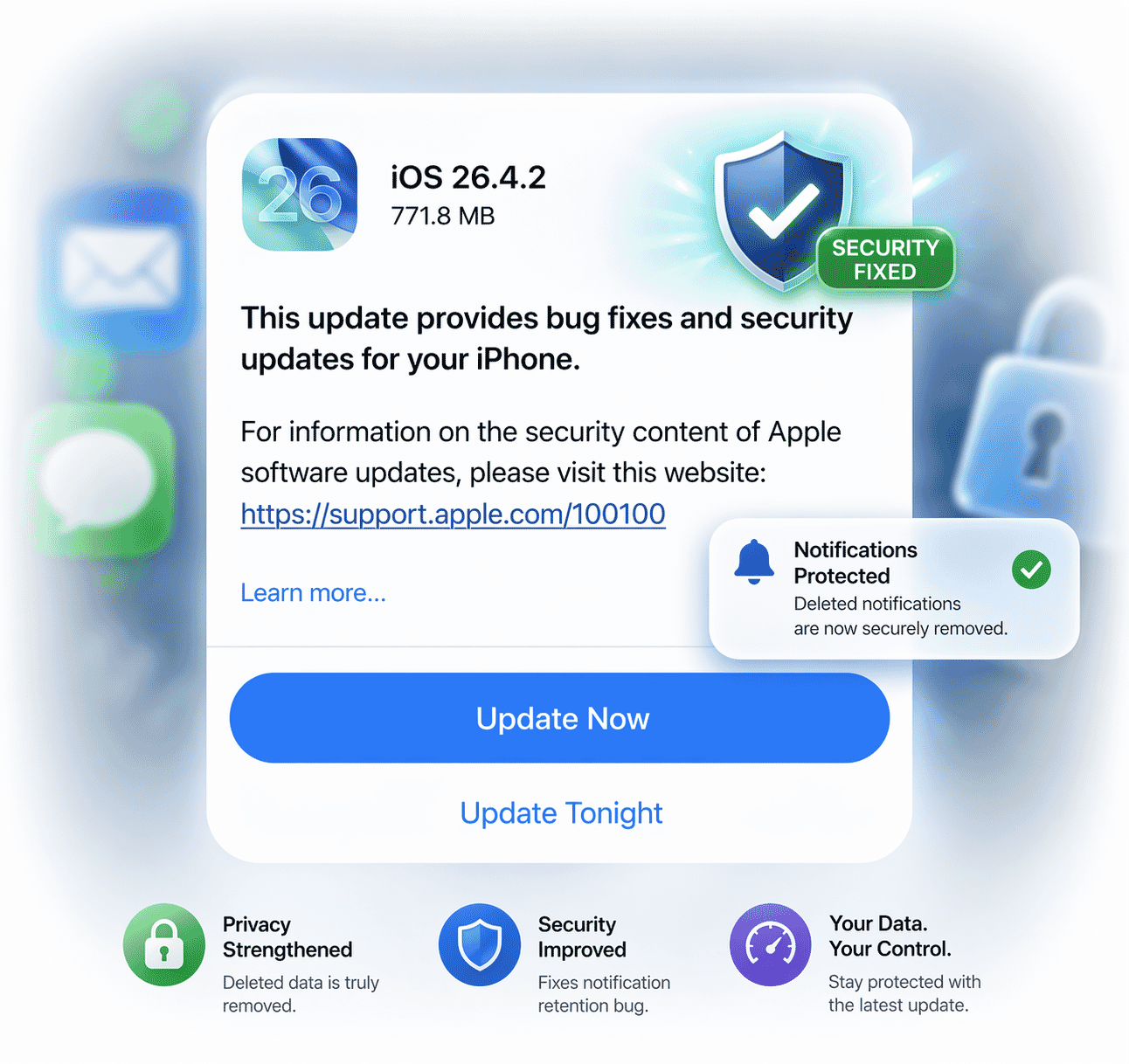 iOS 26.4.2 Released: Apple Fixes Bug That Secretly Kept Your Deleted Notifications on Your iPhone
 WhatsApp Is Testing a Subscription Plan and Names It WhatsApp Plus: Here Is Everything You Need to Know Right Now
 John Ternus Takes Over as Apple CEO as Tim Cook Steps Down in September 2026