1. Siri AI Finally Arrives, and It Changes the Assistant Game
Siri AI is the headline. It is a full rebuild, not a patch. It reads what is on your screen, remembers your conversation across turns, and can act inside apps instead of just searching the web for you.
This has been two years in the making. Apple first teased a smarter Siri at WWDC 2024, then delayed it repeatedly through 2025 and early 2026 as Bloomberg reported that internal testing showed the assistant was slow and inaccurate. Apple's own senior director of Siri, Robby Walker, reportedly called the delay "ugly" during an internal meeting.
The bigger story is who is powering it. Siri AI runs on a custom Google Gemini model on Apple's servers, a partnership few predicted from two AI rivals. Federico Viticci of MacStories, who has used the beta for a month, says Siri AI does not need to be a frontier-level model to be useful to millions of people, even though it still trails ChatGPT and Gemini in raw chatbot depth.
Here is the catch. Siri AI will not launch in the European Union with iOS 27. Apple says EU regulators rejected its proposed privacy safeguards under the Digital Markets Act, so EU iPhone and iPad users are locked out with no confirmed timeline. That is a real regulatory fracture, and it means the same iPhone will behave differently depending on which continent you live on.
 iOS 27 Beta 2 Features: Every New Change You Need to Know
2. Liquid Glass Gets a Readability Overhaul
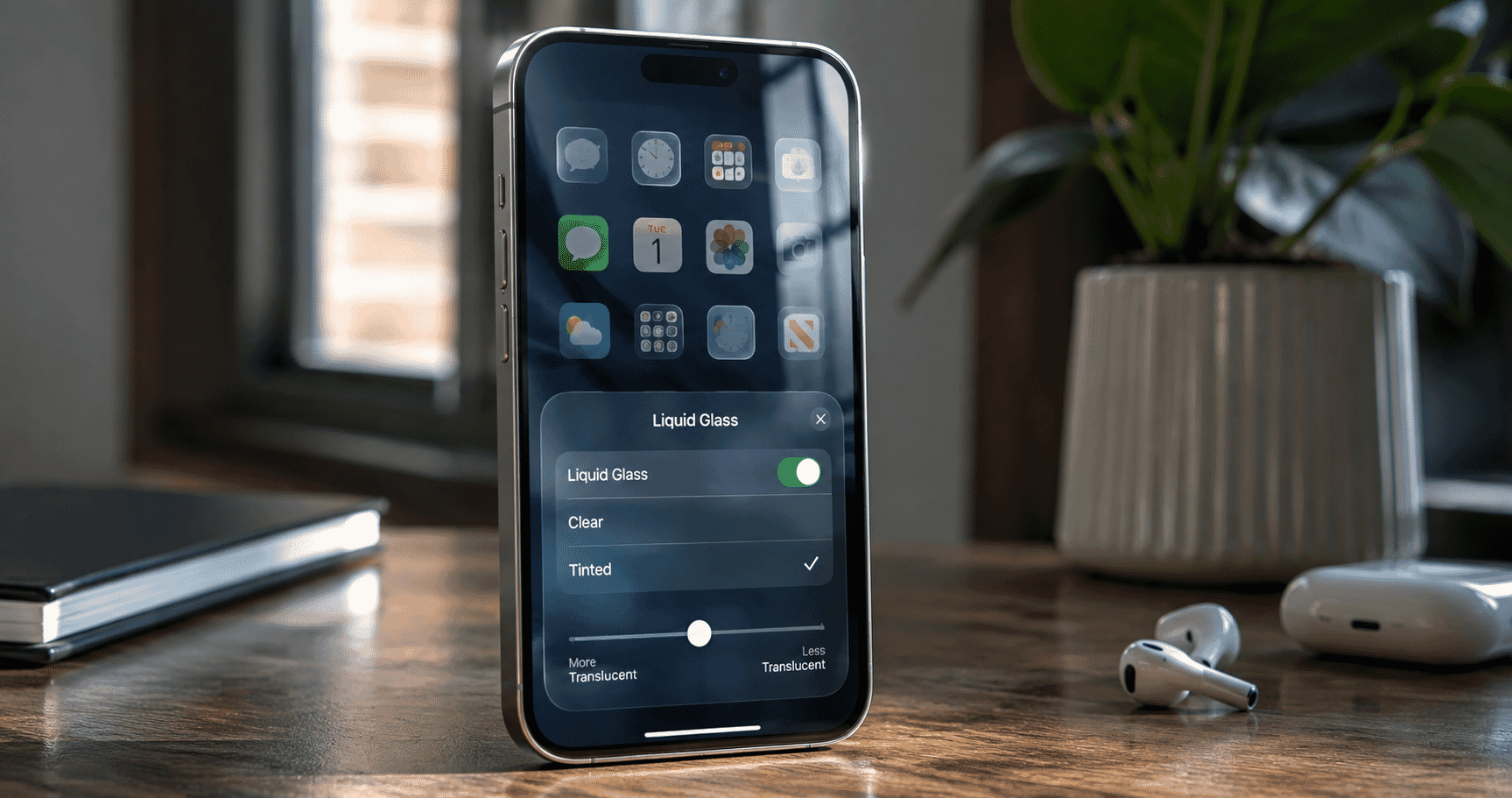
Liquid Glass debuted in iOS 26 to mixed reviews. Some users loved the translucent look. Many found it hard to read in sunlight.
iOS 27 fixes that with a system-wide slider that lets you dial the glass effect up or down. You get a genuinely legible interface without abandoning the aesthetic entirely. App icons also get a new layered effect that adds subtle depth.
This is Apple listening to real complaints instead of doubling down on a design bet. It is a smaller feature than Siri AI, but it will affect every single interaction you have with your phone, every day.
3. Parental Controls Get an "Ask to Browse" Safety Net
Child safety is the second-biggest theme of this release. iOS 27 introduces Time Allowances that let parents cap specific app categories, like games or social media, rather than the whole phone.
The standout addition is Ask to Browse. A child now needs parental approval before visiting a new website, and the same approval gate extends to new contacts in Messages, FaceTime, and Phone. Apple built the age-based app recommendations with outside child-development input.
Not everyone is convinced this goes far enough. One online safety expert told TechRadar the new controls "don't get to where the harm is happening," arguing that approval gates can be worked around and do not address content already inside approved apps. That criticism is worth watching as the beta matures.
4. Photos Gets Smarter Editing With Clean Up and Spatial Reframing
Apple Intelligence now powers a noticeably improved Clean Up tool that removes unwanted objects from photos with far cleaner results than last year's version. A new Spatial Reframing tool adjusts the composition of a shot after you have taken it.
You can also pull a single frame out of a video and save it as a full photo, which is a small feature that solves a problem nearly everyone has run into.
Reviewers who tested the developer beta describe Clean Up as finally good enough for daily use, a meaningful jump from the version that shipped in iOS 18.
5. Genmoji Gets Prompt-Based Editing
Genmoji is getting real creative control for the first time. You can now prompt changes to an existing Genmoji, shift its style, or start from a photo of your own instead of typing a description from scratch.
This targets the biggest complaint about the original Genmoji launch: results were often random and hard to steer. Apple's fix is a direct response to two years of user feedback, and it shows the company iterating on generative AI features instead of shipping them once and moving on.
6. Safari Turns Into an AI Research Assistant
Safari gains three Apple Intelligence features that push it closer to a research tool than a browser. It automatically groups your open tabs into topics. A new Notify Me feature watches a page and alerts you when something changes, like a price drop or restock. And a Describe an Extension tool lets you build a custom Safari extension just by describing what you want it to do in plain language.
That last one is genuinely new ground. No mainstream browser currently lets an average user generate a working extension from a text prompt, and if it works reliably, it could shift how people customize their browsing without touching a line of code.
7. Performance Jumps Without Leaving Older iPhones Behind
Apple says iOS 27 delivers 30% faster app launch times and lets photos appear in your library 70% faster, based on its own internal testing detailed in its WWDC26 newsroom post. Independent, third-party benchmarks have not yet confirmed these figures, so treat them as Apple's claim for now.
What is confirmed is the compatibility floor. iOS 27 runs on any iPhone with an A13 Bionic chip and 3GB of RAM, which covers the iPhone 11 through the newest models.
Apple Intelligence features need an A17 Pro chip or newer, meaning iPhone 15 Pro and up. Custom Siri voices need 12GB of RAM, limiting that specific feature to the iPhone Air and iPhone 17 Pro models.
That tiering is the real industry story here. Apple is now selling three different tiers of the same operating system experience depending on your hardware, a segmentation strategy Android makers have used for years but Apple has historically avoided this explicitly.
8. Health Adds Perimenopause Tracking and Deeper Privacy Controls
The Health app now includes dedicated perimenopause and menopause support, with notifications about cycle deviations tailored to that life stage. It is a meaningful expansion of Apple's Cycle Tracking feature and one competitors like Fitbit and Samsung Health have only partially addressed.
Alongside that, Find My adds new ways to hide your precise location from specific contacts, giving users finer-grained privacy control than the all-or-nothing sharing toggle that existed before.
What This Means Going Forward
iOS 27 is not a reinvention. It is Apple catching up on AI while quietly fixing two years of complaints about design, privacy, and child safety. The open questions are real: will Siri AI perform reliably outside a controlled demo, will the EU standoff drag into 2027, and will Ask to Browse actually reduce harm or just add friction parents route around.
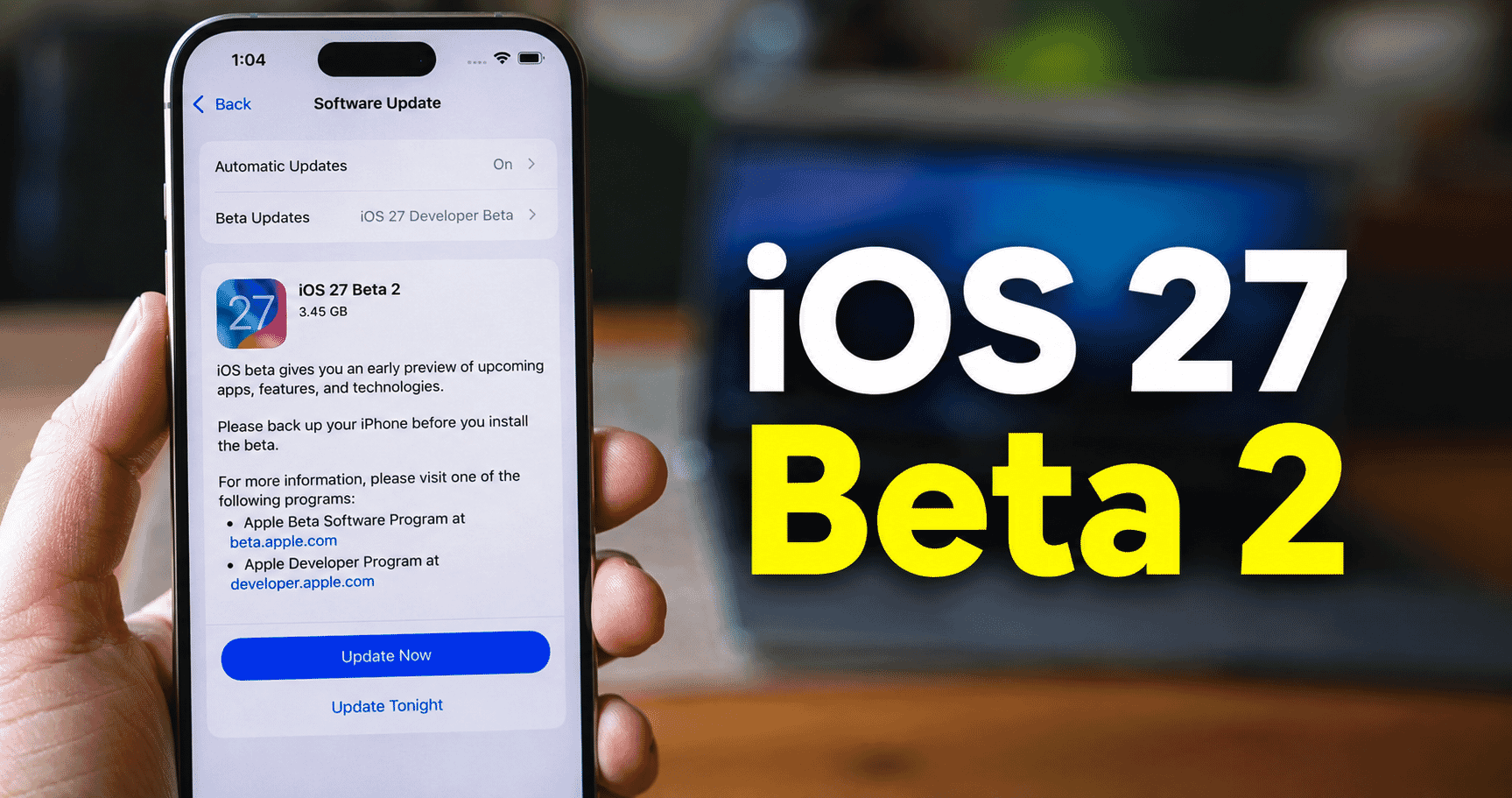
Apple's public beta is live now, with a general release expected in September, most likely around September 14 based on Apple's typical pattern, though Apple has not confirmed an exact date.
 Apple OpenAI Lawsuit Rocks Silicon Valley Over Stolen Trade Secrets
 iPhone 18: 10 Cool Reasons It Could Be Your Dream iPhone
 WhatsApp Users Can Now Spot a Block Using a Hidden Encryption Feature
 One UI 9: Full List of Samsung Devices Getting the Update Revealed